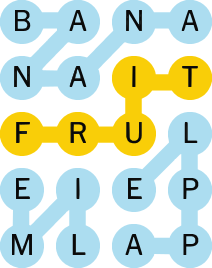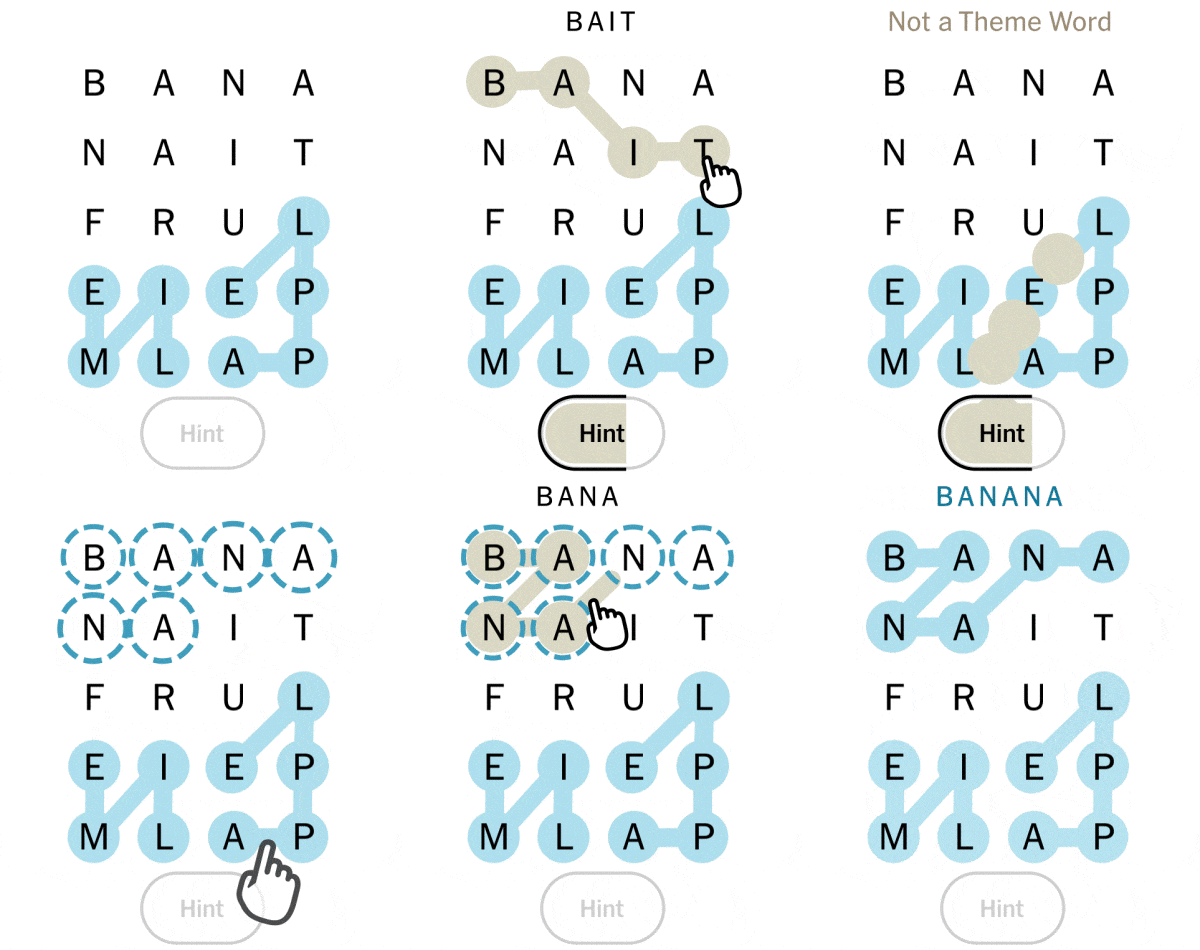
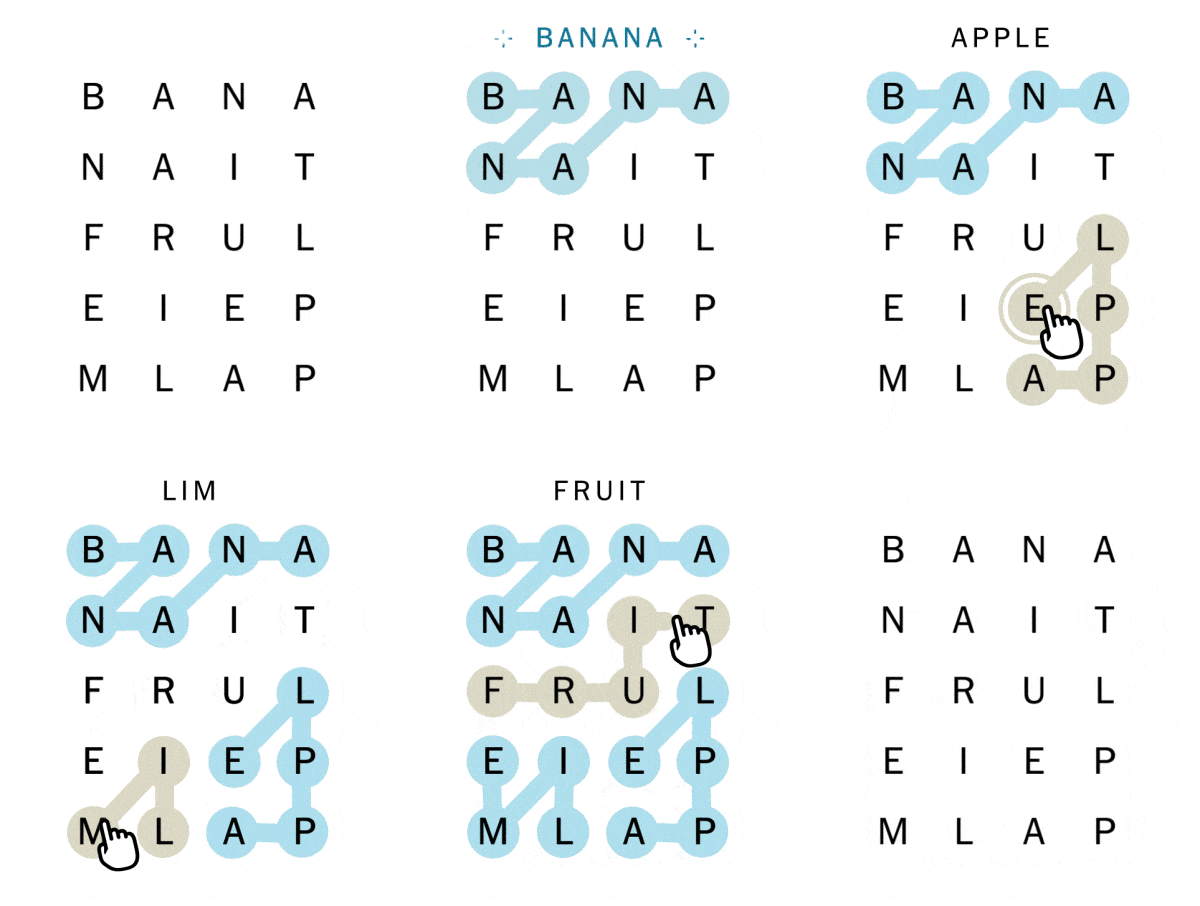
Find theme words to fill the board.
Theme words stay highlighted in blue when found.
Drag or tap letters to create words. tapping, double tab the last letter to submit.
Theme words fill the board entirely. No theme words overlap.
Continue on your phone or tablet
Scan this code to keep playing Paper Minecraft on another device.
Paper Minecraft is all about creativity, exploration, and survival. It's a simplified version of Minecraft that helps you learn history.
Arrow Keys or W A S D: Move around.
Left Mouse Button: Use this to place blocks or destroy blocks (mining).
Right Mouse Button: Use this for placing blocks.
E: Open your inventory (where you can see your items, craft new ones, or equip gear).
1-9: Select your item in the quick bar (bottom of the screen).
Q: Drop the selected item.
Spacebar: Jump.
Shift: Crouch (this helps prevent falling off ledges).
Esc: Open the activity menu or quit.